MP3 to MP4 Converter Online: Package Audio with Cover Art
Lossless MP3 to MP4 converter online: combine audio with cover images to create videos for YouTube, TikTok, and Bilibili. Instant browser remuxing with zero quality loss.
MP3 format · Maximum 100 MiB
JPEG, PNG, or WebP · Up to 20 MiB
Checking export availability…
Convert MP3 to MP4 Video Online with Custom Picture & Cover Art
A fast, private MP3 to MP4 converter that packages audio and cover artwork into YouTube and TikTok-ready MP4 videos instantly.

MP3 to MP4 Social Video Platform Upload Compatibility Matrix
Detailed ingestion requirements explaining why audio files must be converted from MP3 to MP4 containers for successful web publishing.
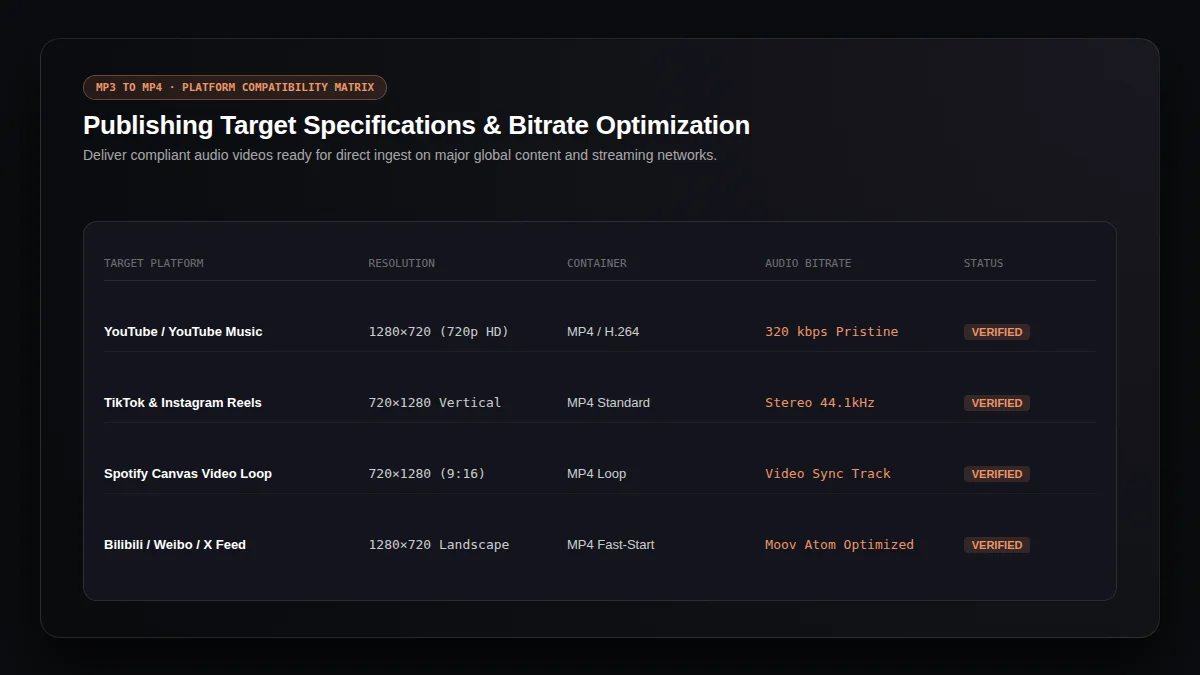
| Platform | Accepted Container | Audio Bitstream | Why Video Is Required |
|---|---|---|---|
| YouTube | MP4 (H.264 / AVC) | AAC / Stereo 320 kbps | Rejects raw audio; requires video PTS stream for Content ID & player indexing |
| TikTok / Reels | MP4 / MOV | AAC High Quality | Mobile video player requires visual keyframe sequence for infinite scroll feeds |
| Instagram Feed | MP4 | AAC 128–320 kbps | Feed autoplay architecture mandates video track alongside audio |
| X (Twitter) | MP4 | AAC Stereo | Interactive media card displays cover art while scrub bar tracks playback |
| MP4 | AAC Audio | Enables in-line discussion listening without external redirect links | |
| Bilibili | MP4 / FLV | AAC 320 kbps | Bullet-comment (Danmaku) engine requires synchronized video timecode |
Acoustic Integrity in Our MP3 to MP4 Converter Engine
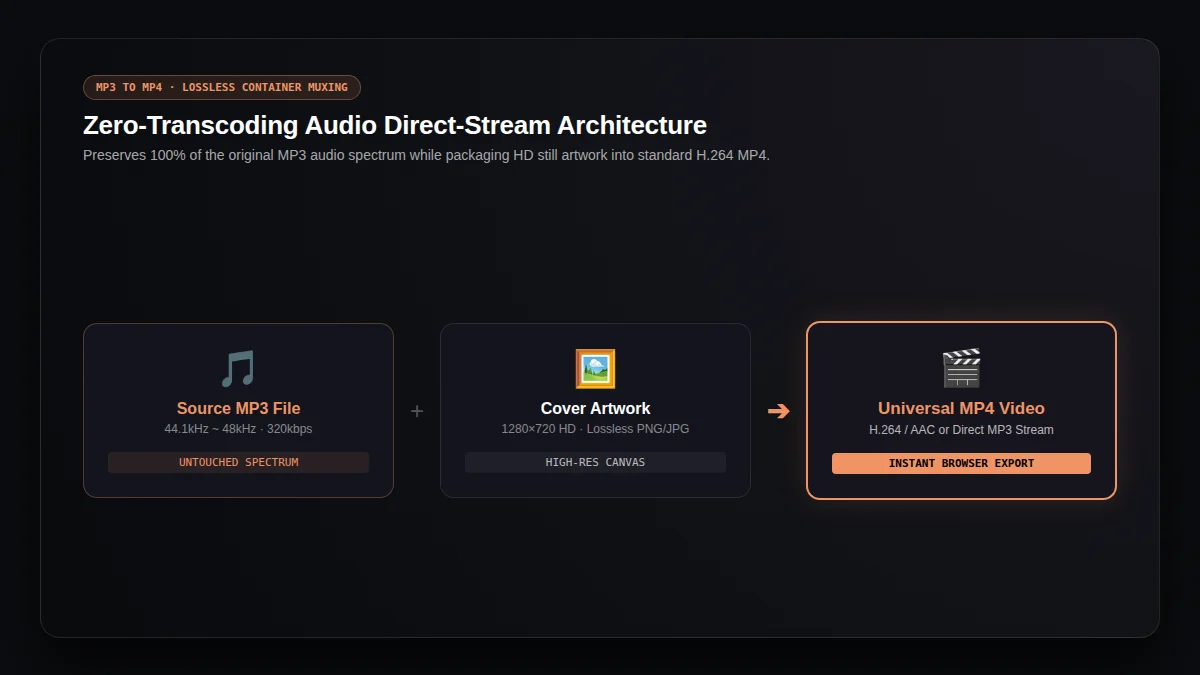
Zero Re-Compression MP3 to MP4 Passthrough
Unlike inferior tools that re-encode audio to low bitrates, our MP3 to MP4 pipeline preserves your original MP3 bitstreams, protecting vocal clarity and punchy low-end.
Aspect-Preserving MP3 to MP4 Canvas Engine
Square album covers, wide photography, or vertical posters are automatically fitted within standard 720p canvas bounds by our MP3 to MP4 converter without stretching.
Client-Side MP3 to MP4 Privacy Sandbox
Your personal audio recordings, unreleased demo tracks, and private podcast files never leave your machine during MP3 to MP4 browser rendering, ensuring zero data leakage.
MP3 to MP4 Release Checklist: 4 Golden Rules Before Publishing
1. True-Peak & Loudness Normalization in MP3 to MP4
Ensure your master audio peaks below -1.0 dBTP and targets around -14 LUFS before MP3 to MP4 conversion to prevent YouTube codecs from harsh limiting.
2. High-Resolution Cover Art for MP3 to MP4
Use at least 1400×1400 or 3000×3000 square artwork with standard sRGB color profiles for pristine MP3 to MP4 clarity on 4K monitors.
3. Platform Duration & MP3 to MP4 Verification
Verify that your converted MP3 to MP4 video length complies with your specific platform tier upload ceilings.
4. Streaming Index in MP3 to MP4 Export
Our MP3 to MP4 converter places key media container headers at the file origin, enabling instant click-to-play streaming without lengthy buffering.
How It Works in Simple Steps
01. Select Your Audio Track for MP3 to MP4 Conversion
Pick any standard MP3 audio file from your device. Our MP3 to MP4 converter verifies file integrity, sampling rate, and total duration instantly.
02. Pair Cover Image or Solid Color for MP3 to MP4
Upload custom artwork, band photography, or choose a clean solid tone. Audition playback in the integrated MP3 to MP4 media preview monitor.
03. Convert MP3 to MP4 and Download HD Video
Click convert and let the local engine assemble your MP3 to MP4 stream. Save the finished video file directly to your downloads folder.
Why Video Platforms Require MP3 to MP4 Conversion & Multiplexing Architecture
Explore the browser-native remuxing technology that delivers lossless audio bitstreams without slow server transcoding.
Lossless Audio Stream Passthrough
DemuxerDirectly demuxes and encapsulates MP3 bitstreams without lossy re-encoding, keeping your MP3 to MP4 conversion pristine.
Video Timecode & PTS Alignment
TimecodePackages still artwork into ultra-light H.264 video streams so your MP3 to MP4 video complies with all platform player engines.
Instant In-Browser Processing
Client-SidePowered by client-side WebAssembly, your MP3 to MP4 workflow finishes large audio files in seconds with zero network uploads.
Frequently Asked Questions (FAQ)
01Does the MP3 to MP4 converter support animated waveforms?+
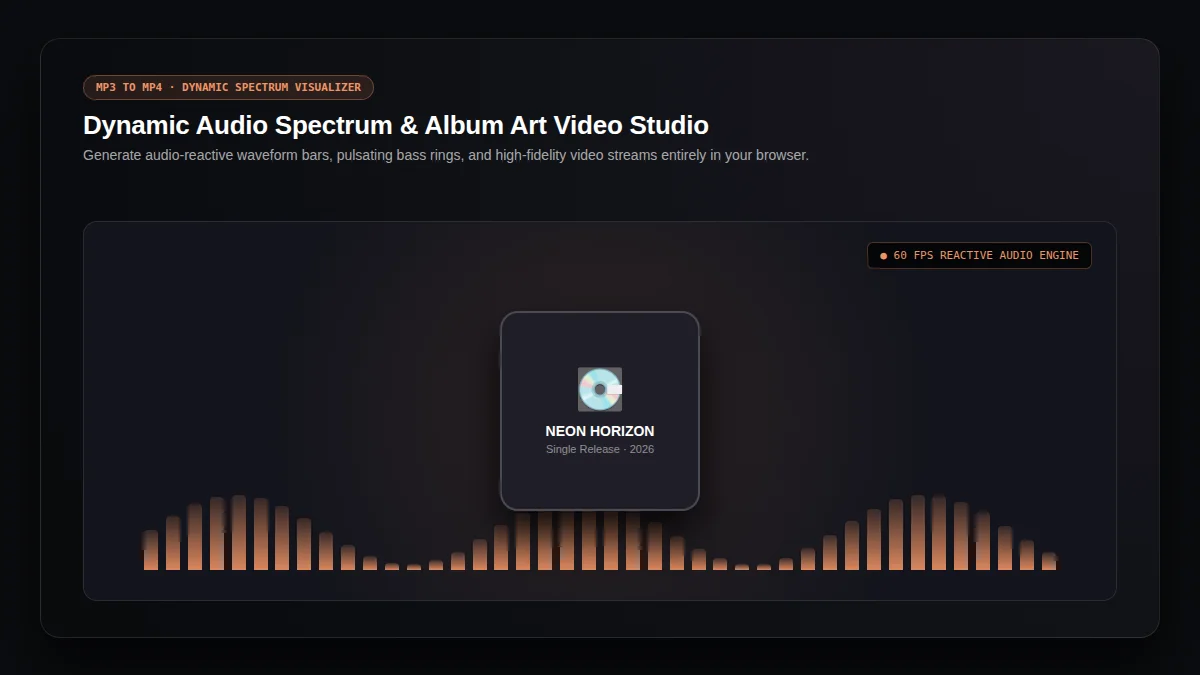
This MP3 to MP4 tool creates clean, static-image videos specifically for audio-focused distribution on YouTube and social feeds. For beat-driven AI animated footage, explore our AI Music Video Generator.
02What video resolution does the MP3 to MP4 converter export?+
Our MP3 to MP4 converter generates standard 720p HD videos (1280 × 720) in MP4 format, ensuring full compatibility with YouTube, Facebook, and Instagram.
03Is this MP3 to MP4 converter free and does it require an account?+
Yes! The MP3 to MP4 converter offers free conversions directly in your browser without requiring account creation, subscriptions, or video credits.
04Are my files kept private during MP3 to MP4 conversion?+
All local MP3 to MP4 conversions are processed strictly inside your device's memory. Your audio files and images are never uploaded to remote servers.
05Why is MP3 to MP4 conversion required for YouTube uploads?+
YouTube requires video display streams and Content ID video frame indexing, which is why an MP3 to MP4 converter is needed for any audio publication.
Explore More Creative Audio & Video Tools
From lyric videos to full cinematic music videos, build your complete release pipeline.