Six styles made on this site with MiniMax Music 3.0. Each has English and Chinese recordings, a style prompt, and a starting point for your next song.
MINIMAX MUSIC 3.0 / 01
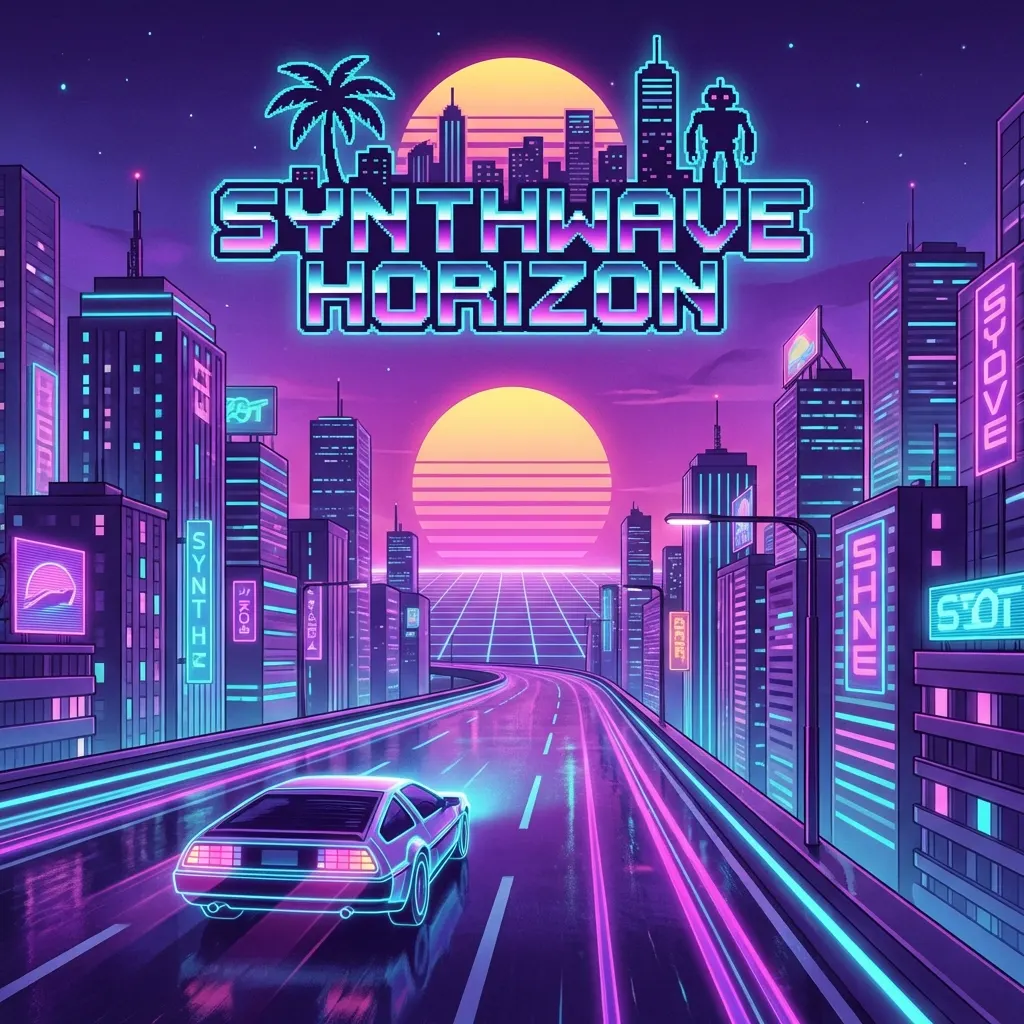
Cyberpunk 2077
Synthwave style with futuristic electronic melodies.
Style prompt
Dark cyberpunk synthwave anthem with pulsing analog bass, neon arpeggios, gated drums, cinematic pads, and a tense midnight-city mood. Medium-fast tempo, dramatic female vocal, glossy electronic production, built for a rain-soaked chase scene.
Prefills the style only. Add your lyrics and review settings in the generator. No credits are spent until you submit.
What is MiniMax Music 3?
MiniMax Music 3 generates music from musical descriptions and lyrics. Use this guide to explore ideas, then open the generator to create your song. Available settings and prices are shown in the workspace; model demonstrations do not guarantee the same options on every service.
Six MiniMax Music 3 prompts, unpacked
Read the brief, listen for one detail, try one change. These are suggestions for exploring the prompts, not measured claims about their effects.
01Cyberpunk 2077
What the prompt describes
Pulsing analog bass and arpeggios specify the electronic foundation. Gated drums describe the percussion texture, while the midnight-city imagery and dramatic vocal set the scene and delivery.
What to listen for
Follow the bass pulse and the brighter repeating synth notes separately. When the vocal enters, ask whether the electronic layers leave enough room for the words.
One change to try
Keep the instruments and tempo description, but replace the tense chase-scene mood with a quiet, reflective night drive. Compare the overall energy rather than expecting an identical melody.
Brushed drums, upright bass and soft piano establish a small jazz ensemble. Saxophone fills are supporting phrases; the intimate lounge vocal and relaxed swing describe performance and groove.
What to listen for
Notice how the percussion supports the vocal and where the saxophone appears between phrases. Does the arrangement feel conversational, or do several parts compete for attention?
One change to try
Keep the same ensemble and replace the intimate vocal direction with a more projected, stage-like delivery. Evaluate the sense of distance without changing the genre at the same time.
Heroic brass, sweeping strings, taiko drums and choir ask for contrasting orchestral layers. A rising adventure theme gives the arrangement a direction, rather than just a list of instruments.
What to listen for
Listen for the balance of strings, brass and percussion as the track develops. Is there a noticeable contrast between quieter passages and larger ensemble moments?
One change to try
Keep the instrumental palette but ask for a restrained opening before the larger theme arrives. Compare the buildup and pacing, without specifying an exact second for the transition.
Fingerpicked guitar, hand percussion and harmonica describe an acoustic setting. The natural vocal and storytelling mood focus the brief on the delivery of a song rather than a dense production.
What to listen for
Follow the guitar pattern under the vocal. Do the harmonica and percussion add detail while leaving the story easy to follow? Listen to a whole verse before judging the balance.
One change to try
Change only the hopeful mood to bittersweet, keeping the acoustic instruments and medium tempo. Compare the emotional direction, then decide whether any lyric changes are needed.
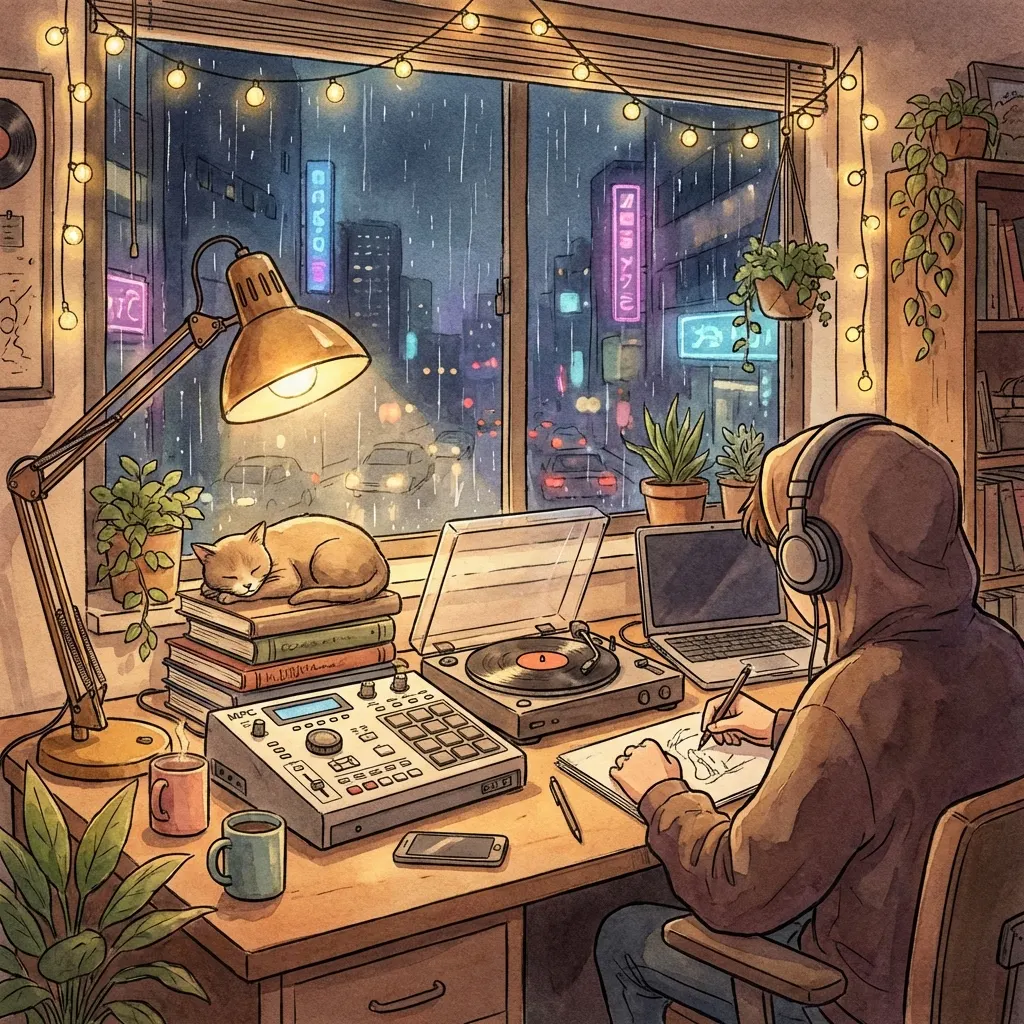
Dusty drums, Rhodes chords, vinyl crackle and rain describe both music and background texture. The whispered vocal hook makes this a vocal brief, despite its study-beat framing.
What to listen for
Listen for the relationship between the rhythm, background noise and vocal hook. Does one layer pull attention away from the relaxed groove? Quiet playback can help you judge the balance.
One change to try
Remove only the rain-ambience instruction and keep the other textures. Compare how busy the result feels. For an instrumental instead, review the generator’s instrumental control separately.
Supersaw chords, sidechain drops and crisp electronic drums outline the production. Chopped vocal textures and an uplifting lead vocal distinguish the background accents from the main performance.
What to listen for
Notice the contrast between the lead vocal passages and the drops. Do the synth chords and percussion provide a clear lift, or does the arrangement feel equally dense throughout?
One change to try
Keep the bright synth palette but request a more spacious verse before the drop. Compare the section contrast, leaving the vocal character unchanged for this experiment.
Choose a sample close to your intended mood. Listen beyond the opening and pick one detail to explore: the lead instrument, vocal tone, or contrast between sections.
02Take the prompt into the workspace
Select Create with this prompt. Edit the prefilled style and add your own lyrics. The sample recording and lyrics are not copied into your task.
03Review before generating
Check the settings and displayed credit cost before submitting. To compare another direction, change one aspect of the brief and listen again.
These samples suggest creative directions; they do not guarantee a matching arrangement, pronunciation, duration, or mix. This is an independent service. Consult MiniMax’s official resources for model details and the service terms for usage conditions. Only use material you have permission to use.
MiniMax Music 3 questions
Is this the official MiniMax Music 3 website?
No. This is an independent music creation service. The six examples are our site’s Music 3.0 samples. We link to MiniMax’s official model repository and demo page so you can distinguish our workflow from the model publisher’s documentation.
Will using a sample prompt recreate the same song?
No. It fills the style field for a new creation. It does not copy the audio or sample lyrics, and the next result can differ. Treat the prompt as an editable brief, not a recipe for an identical recording.
Do I need an account to listen?
You can listen to the public samples here without starting a generation. Creating your own song uses the existing generator’s sign-in and credit requirements. Review those requirements in the workspace before submitting.
How is this different from the AI music generator?
This page helps you understand Music 3.0 through examples and practical guidance. The generator is where you edit inputs, submit a task, and view its progress and results. Both pages lead to the same creation workflow.
Can I use my own lyrics?
Yes, you can enter your lyrics in the music generator after selecting a starting prompt. Keep your words separate from the style description and review them before generating. Only submit text you have permission to use.
Keep creating with your music
Have a track ready? Turn it into a lyric video, a simple image-and-audio video, or an AI music video.